



Important Information for Users
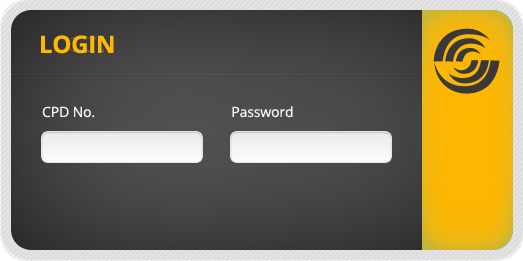
You need a unique login to access the Download Area and the Forum. Please register by clicking the button below. After your registration is verified, you will be notified by email about your access status.
In order to receive login access, you must include your CPD # (Copy Protection Device) when you register:
- For hardware dongles the CPD # is the 5-digit number on the dongle.
- For software licenses, the CPD # is the 6-digit number in the license file (*.lic) .
Our products are supported through a worldwide network of authorized resellers, who undergo rigorous technical training annually to maintain their distributor status.
If you encounter technical issues concerning our products, your first step is to determine if this is a known issue.
When you have questions about the operation of CAMWorks, or you cannot find a solution to a problem that you are reasonably certain is caused by CAMWorks, contact your CAMWorks reseller for assistance.
Your reseller is familiar with your system environment and is able to provide prompt assistance. If you are unable to reach the distributor, you may also contact Technical Support.
Basic Troubleshooting
Before contacting your reseller, we suggest trying the following in diagnosing common problems or which could direct you toward problem areas that may have been overlooked.
Find a Reseller
Here's how to get in touch for other inquires regarding CAMWorks software:
US (480) 367-0132
International:
Europe: +49 (711) 490-39-730
Asia: +91 (22) 67056880
Fax: US (480) 367-0420